
How the FAQ tab renders on the Magento 2 product detail page



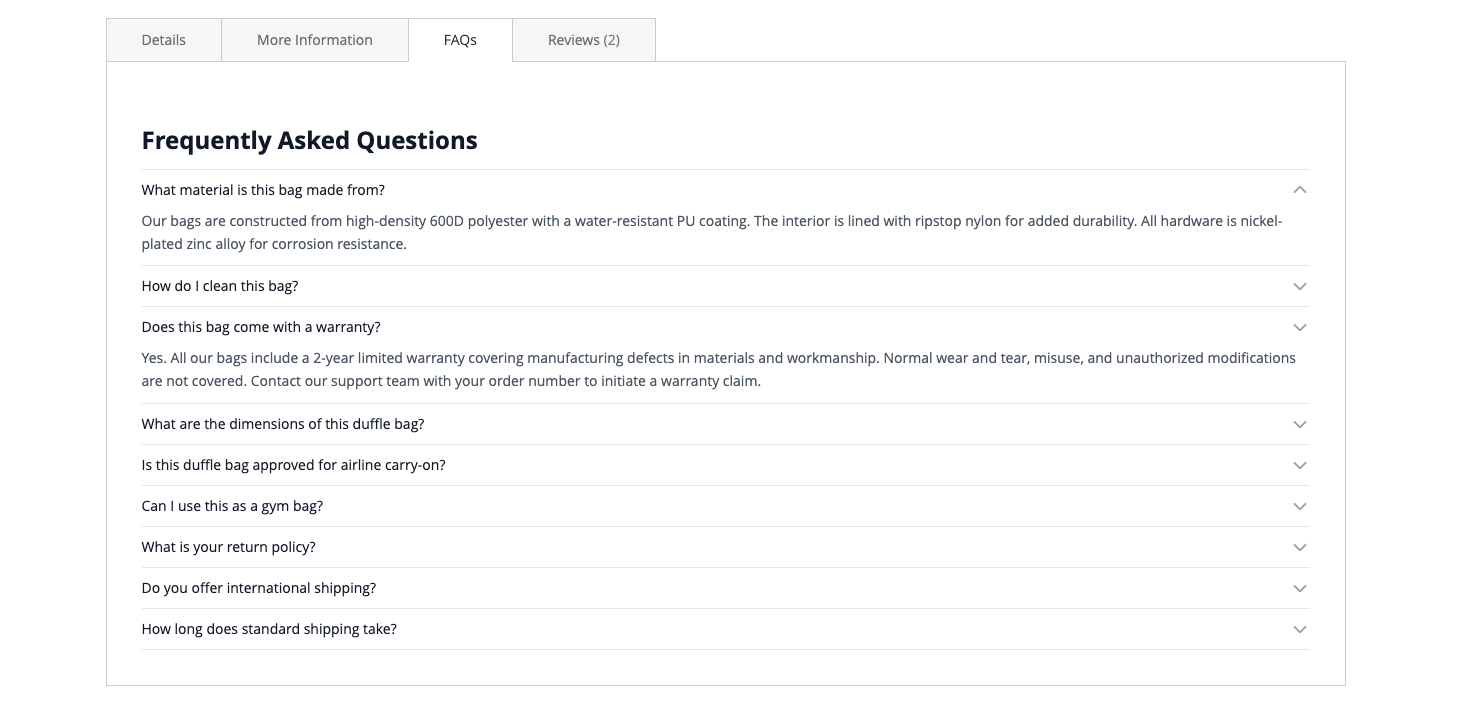
Once a FAQ is saved and active, it appears automatically on the product page for every assigned product. No theme edits, template overrides, or manual cache manipulation are required beyond a standard cache flush.
Default behaviour
- The FAQ tab is labeled FAQs and the section heading is Frequently Asked Questions. Both labels are configurable per store view. See System Settings.
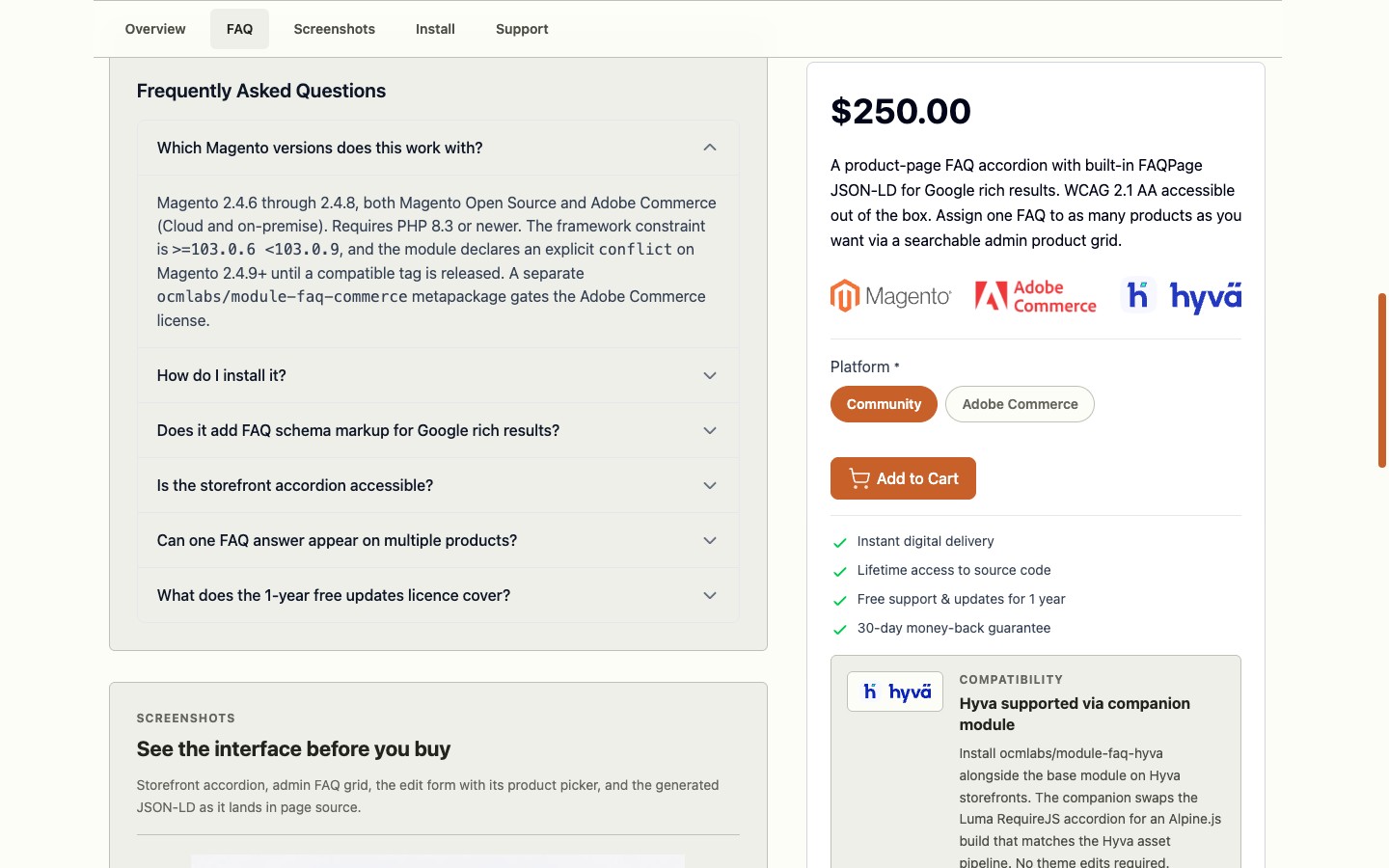
- The first question in the list is expanded by default. Remaining questions are collapsed and expand on click.
- Each question opens and closes independently, so several answers can be open at once.
- Tab position is fixed at
sort_order="20"in the product detail tab list, placing it early among the default Magento tabs.
Empty states
If a product has no active FAQs assigned, the FAQ tab does not appear on that product page at all. There is no empty tab left behind.
If Disable FAQ Tab is set to Yes at the store view level, the tab is suppressed everywhere in that store view even for products that have active FAQs, and the JSON-LD schema block is suppressed alongside it.
Cache
FAQ content is served out of Magento’s full-page cache. After enabling or disabling an individual FAQ, flush the FPC to see the change reflected on the storefront:
$ bin/magento cache:flush full_page Saving a FAQ from the admin form automatically invalidates cached product pages for the assigned products, but when in doubt a manual flush is cheap.
Accessibility
The accordion is WCAG 2.1 Level AA conformant by default. See Accessibility for specifics, including the editorial tips that apply to answer HTML you author.
Hyva theme
Hyva stores should install the companion OCMLabs_FaqHyva module. See Hyva Compatibility for what changes.