
Hyva Compatibility



OCMLabs FAQ works on Luma and Blank themes out of the box using Magento’s standard RequireJS pattern. Hyva themes do not ship RequireJS, so Hyva stores install a small companion module that replaces the storefront rendering layer with Alpine.js.
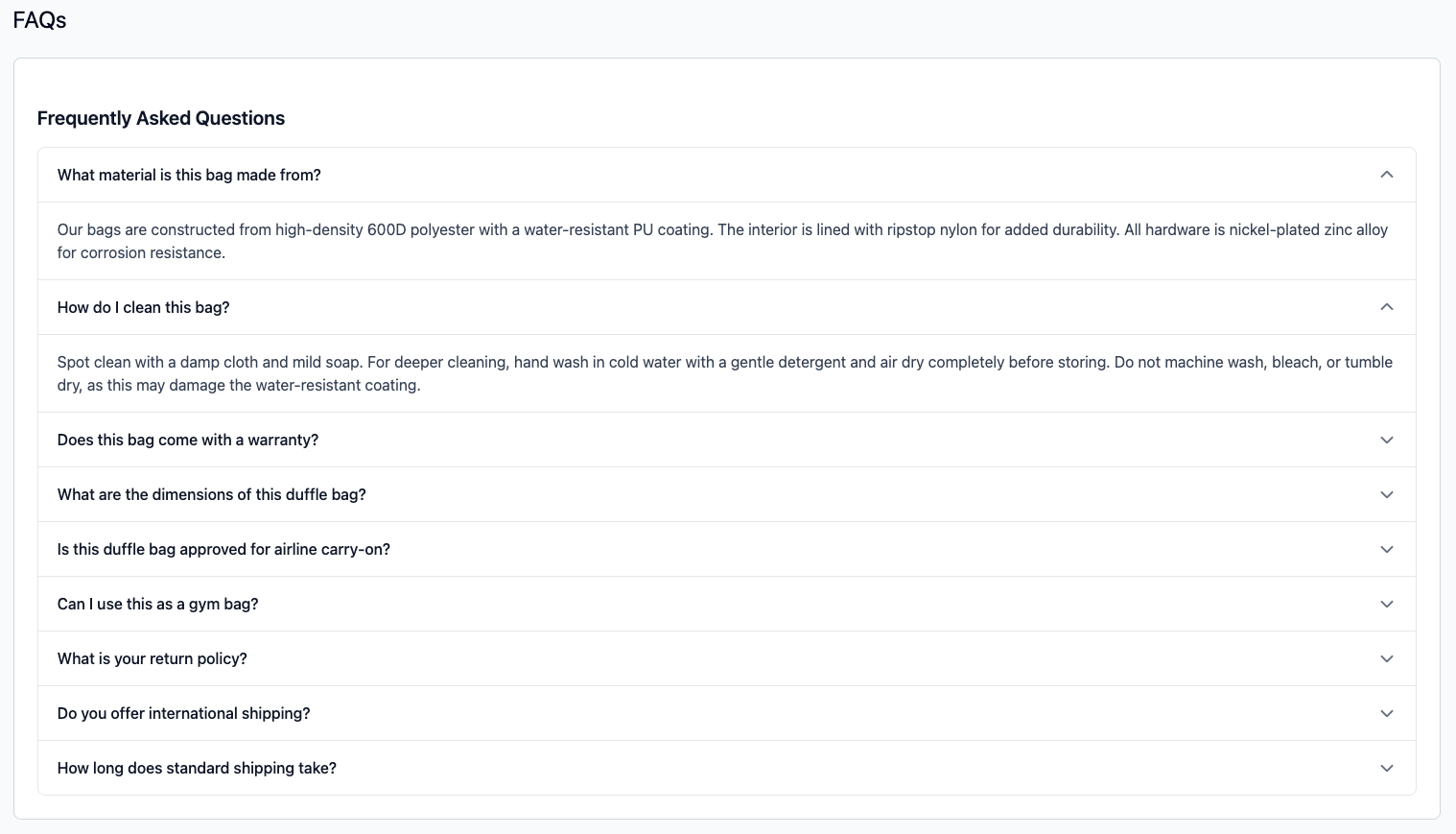
Installation
See Installation > Hyvä theme for the Composer and enable commands.
The current companion release is ocmlabs/module-faq-hyva 1.0.3, which pairs with core module 1.0.8.
Both modules must be installed together on a Hyva store. The core OCMLabs_Faq module provides the admin grid, data layer, configuration, and JSON-LD schema output. The companion OCMLabs_FaqHyva module provides the Hyva-compatible frontend template.
What changes
| Aspect | Luma / Blank | Hyva |
|---|---|---|
| Frontend JS | RequireJS faqAccordion widget | Alpine.js directives on the accordion markup |
| Template | faq-tab.phtml (module) | Overridden by OCMLabs_ |
| Accessibility | WCAG 2.1 Level AA | Same (the Hyva template preserves the ARIA structure) |
| JSON-LD schema | Emitted from core module | Unchanged - emitted from core module |
| Admin experience | Identical | Identical |
Admin management (grid, edit form, configuration, ACL) is completely unchanged. The only difference is how the accordion is rendered and scripted on the product page.
Accessibility on Hyva
The Hyva template uses the same heading-wrapped button pattern and labelled answer regions as Luma, described in Accessibility: each question is an <h3> under the section’s <h2>, and each answer has role="region" with aria-labelledby pointing to its question. Keyboard focus shows a high-contrast ring on each question. This requires companion module 1.0.3 or later (core 1.0.8). The audited WCAG 2.1 Level AA conformance applies on Hyva as well.
Fallback behaviour
If OCMLabs_Faq is installed on a Hyva store without OCMLabs_FaqHyva, the accordion falls back to the Luma template, which will not work on Hyva (RequireJS is absent). Install both modules together.
Related pages
- Storefront display for the default tab behaviour