
The ten curated events, and subscribing to any Magento event by name



Webhooks are managed under System > OCM Labs > Webhooks. Each subscription pairs one event with one destination URL and payload template.
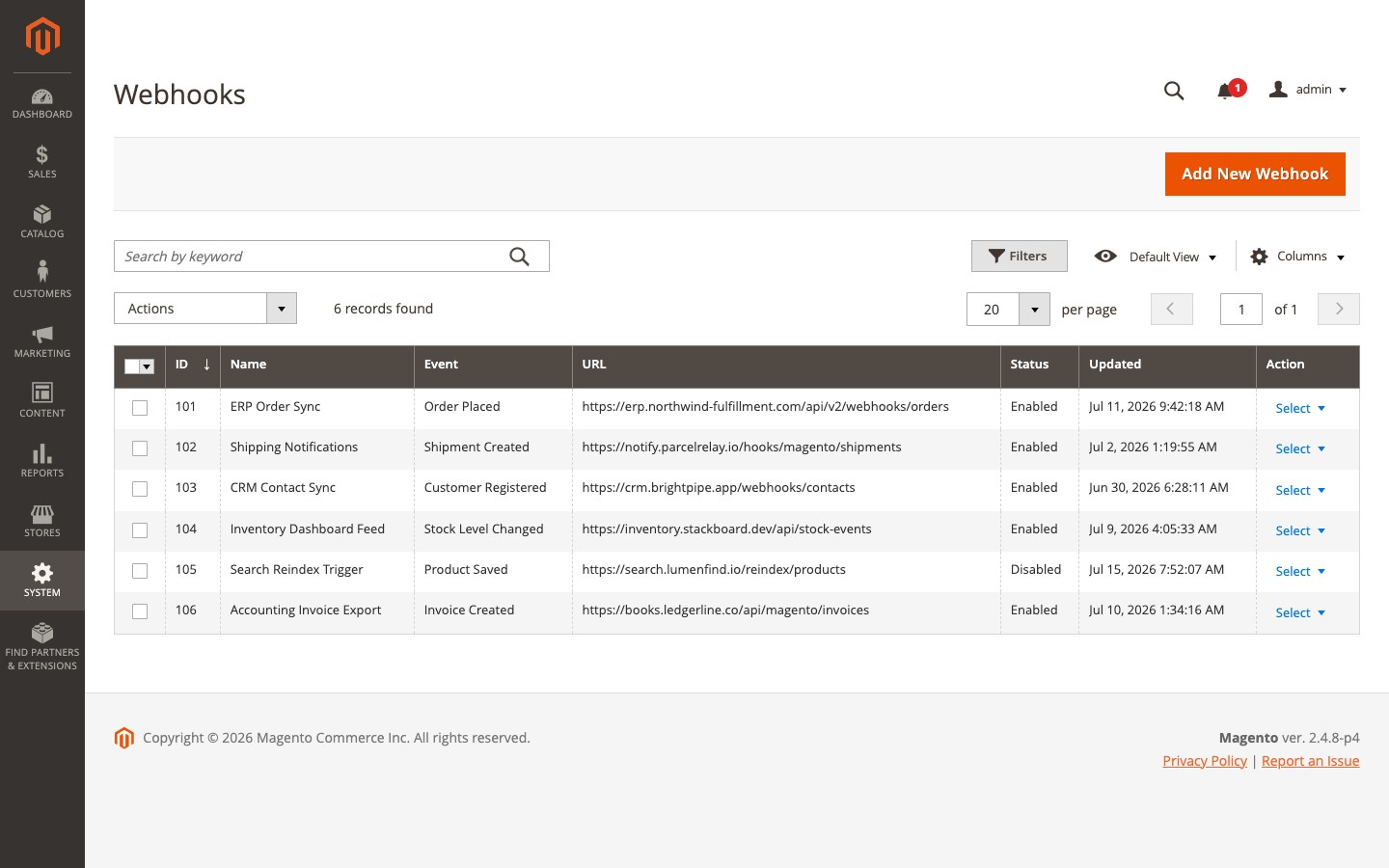
Curated events
Ten events cover the common integration points. Each exposes entity-specific template variables alongside the universal meta.* set, and each prefills the form with a working default template when selected.
| Event (admin label) | System event | Primary variables exposed |
|---|---|---|
| Order Placed | sales_ | order (+ order.items, order.billing_, order.shipping_, order.payment) |
| Order Updated | sales_ | order, plus computed order.status_ (bool) and order.previous_ |
| Shipment Created | sales_ | shipment (+ shipment.tracks, shipment.items), order |
| Invoice Created | sales_ | invoice, order |
| Credit Memo Created | sales_ | creditmemo, order |
| Customer Registered | customer_ | customer |
| Customer Updated | customer_ | customer, orig_ (may be empty on create) |
| Product Saved | catalog_ | product |
| Product Deleted | catalog_ | product (snapshotted at observe time, so delete events still carry full data) |
| Stock Level Changed | cataloginventory_ | stock_, plus product.sku / product.id |
Payloads use snapshot semantics: they reflect entity state at the moment the event fired, not at delivery time. That is deliberate - the consumer may run seconds later, and by then the entity could have changed or (for delete events) no longer exist.
Store view scoping
Each webhook can be limited to specific store views or left on all stores. An event firing in an out-of-scope store view simply does not trigger that webhook.
Custom events
The event select also offers a “Custom event…” option that reveals a free-text field, letting you subscribe a webhook to any Magento event by name - for example checkout_cart_product_add_after.
Custom events are gated behind Stores > Configuration > OCM Labs > Webhooks > Advanced > Enable Custom Events and handled by a dispatch plugin that is inert until that flag is on; even when enabled, its hot path is a single cached lookup per event dispatch, so the overhead of leaving it enabled is negligible.
Custom event payloads are built generically: every scalar and data object in the event’s data array is exposed under its original key, alongside the usual meta.* variables. The exact shape depends on the event, so use Send Test and the delivery log to see what a given event actually carries.