
OCMLABS/MODULE-WEBHOOK · SYSTEM SETTINGS
Configure delivery timeouts, retries, payload logging, and advanced flags in Stores > Configuration



Module settings live at Stores > Configuration > OCM Labs > Webhooks (section ocmlabs_webhook). All values are store-view scoped.
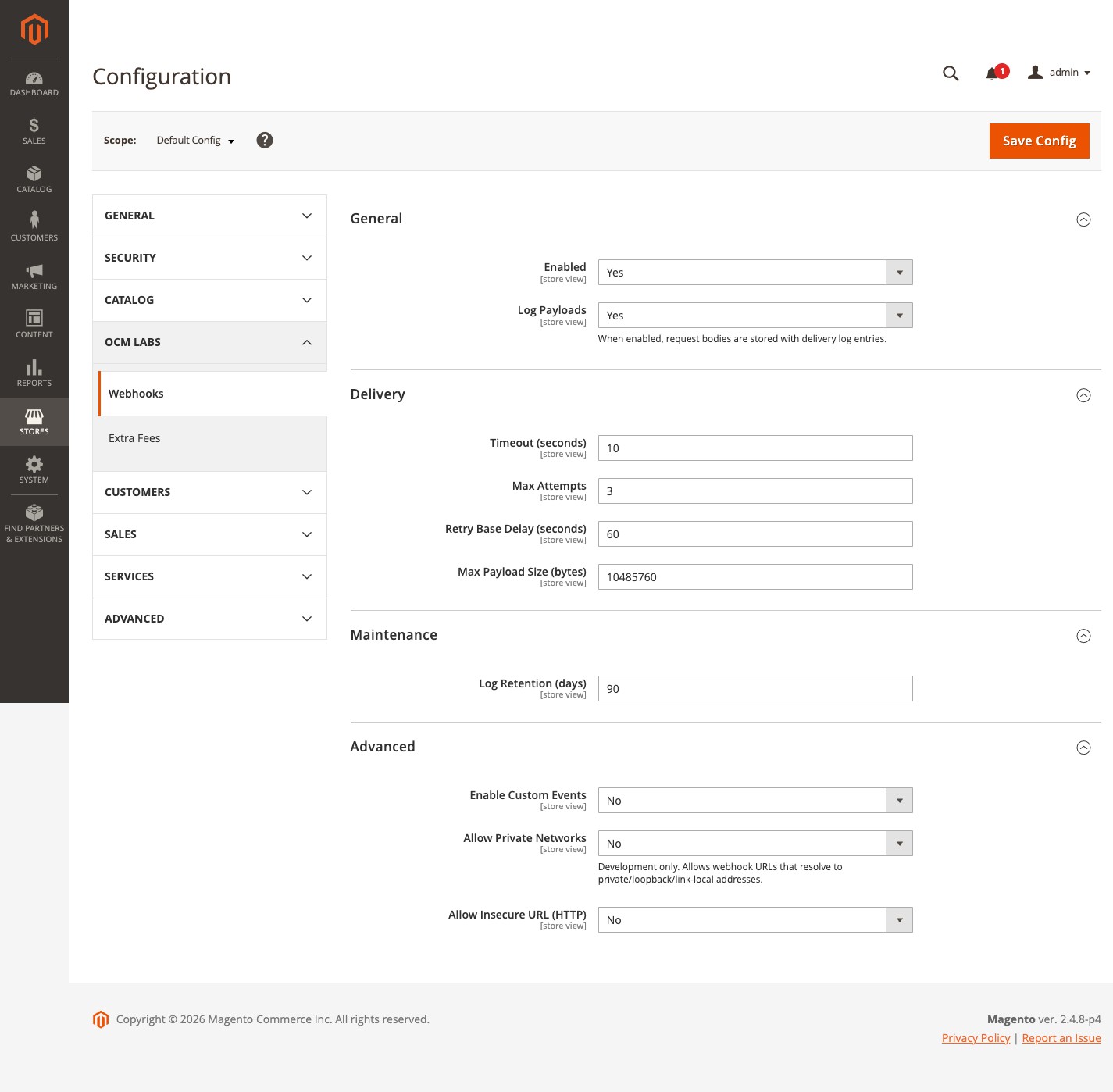
General
| Field | Default | Description |
|---|---|---|
| Enabled | Yes | Master on/off switch. When off, the observers still run their cheap guard checks but never publish anything to the queue. |
| Log Payloads | No | When on, the rendered request body is stored with each delivery log entry (truncated to 64 KB). Off by default so potentially sensitive payloads are not retained. |
Delivery
| Field | Default | Description |
|---|---|---|
| Timeout (seconds) | 10 | Total request timeout per delivery attempt. |
| Max Attempts | 3 | Maximum delivery attempts, including the first, before a delivery is marked failed for good. |
| Retry Base Delay (seconds) | 60 | Base value in the exponential backoff formula: delay = base * 2^(failed_. |
| Max Payload Size (bytes) | 10485760 | Hard ceiling on the payload. If exceeded, the delivery fails loudly with an explicit error rather than sending a silently truncated payload. |
Maintenance
| Field | Default | Description |
|---|---|---|
| Log Retention (days) | 90 | Age at which delivery log rows become eligible for the nightly prune cron (runs at 02:30). |
Advanced
| Field | Default | Description |
|---|---|---|
| Enable Custom Events | No | Activates the custom-event plugin so webhooks can subscribe to any Magento event name, not just the 10 curated ones. |
| Allow Private Networks | No | Development only. Disables the SSRF guard’s rejection of URLs resolving to private, loopback, or link-local addresses. |
| Allow Insecure URL (HTTP) | No | Development only. Permits http:/ destination URLs; otherwise only https:/ is accepted. |
Both Advanced network flags exist so you can point a webhook at a request catcher on localhost or inside a Docker network during development. Leaving them off in production is what makes the SSRF guard meaningful.